FOR PARENTS MENU

Greenlight HELP Components

The Greenlight HELP initiative has three core components—each uses a health literacy approach to empower parents to get the information they need to keep their children healthy, strong and at a healthy weight.

Whether a parent accesses Greenlight HELP in a clinic waiting room, a doctor's office or at home, the goals are the same—to give them a snapshot of age specific growth and developmental issues, focused on the Greenlight obesity prevention messages.

Parents are encouraged to find the information they need, identify questions they want answered and plan ahead so they get the most out of their next visit to their child's doctor.

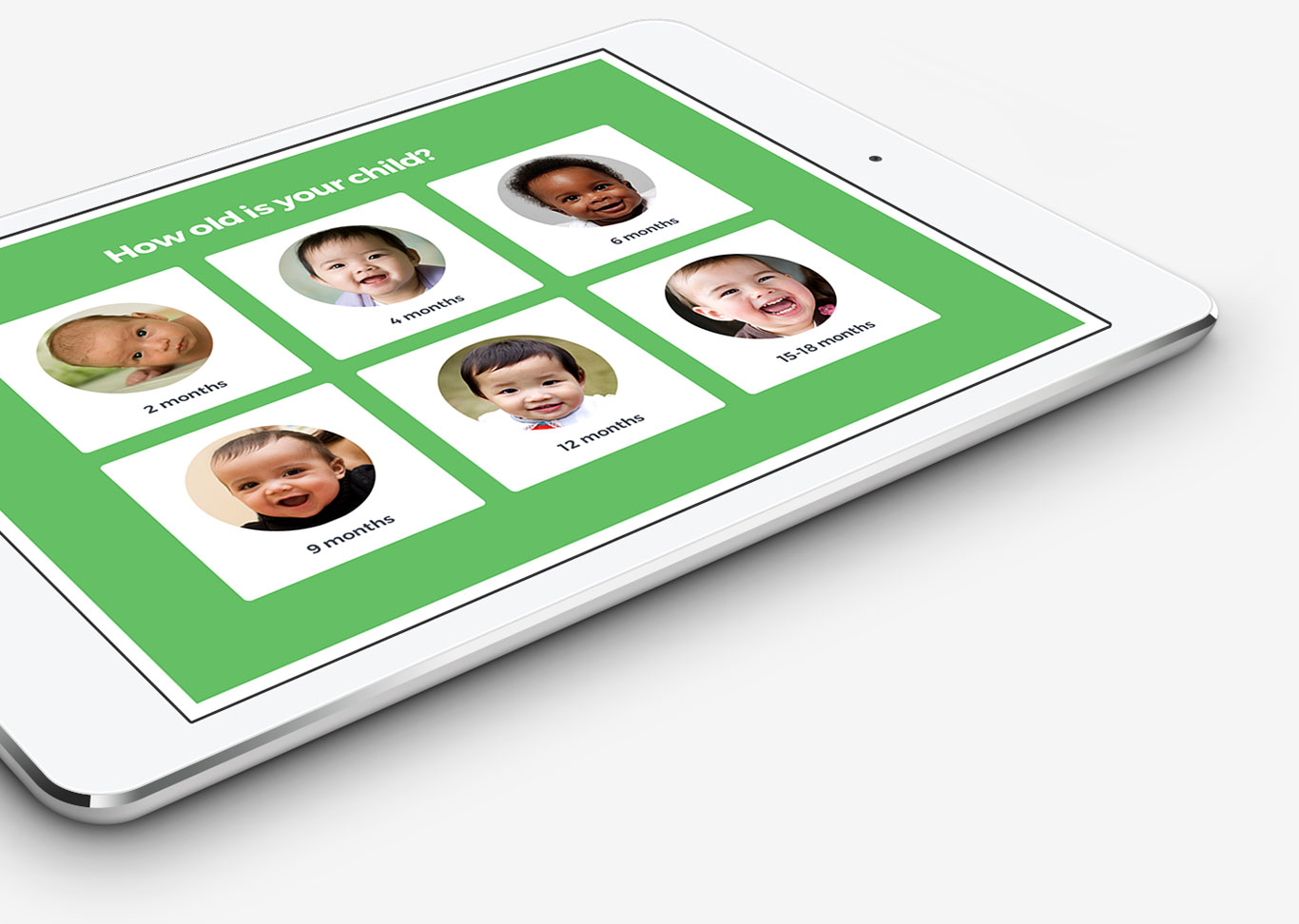
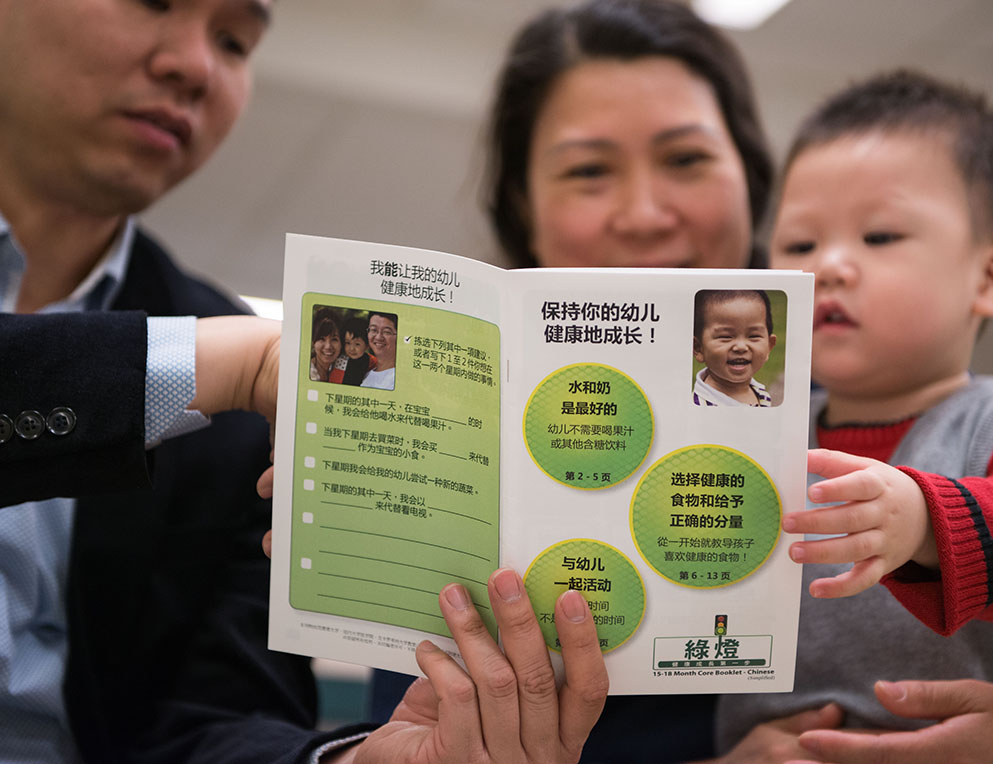
Each component is easy to read, culturally adapted and available in English, Spanish and Chinese. Parents can access this information at home at parents.greenlighhelp.org.

The Greenlight Booklets

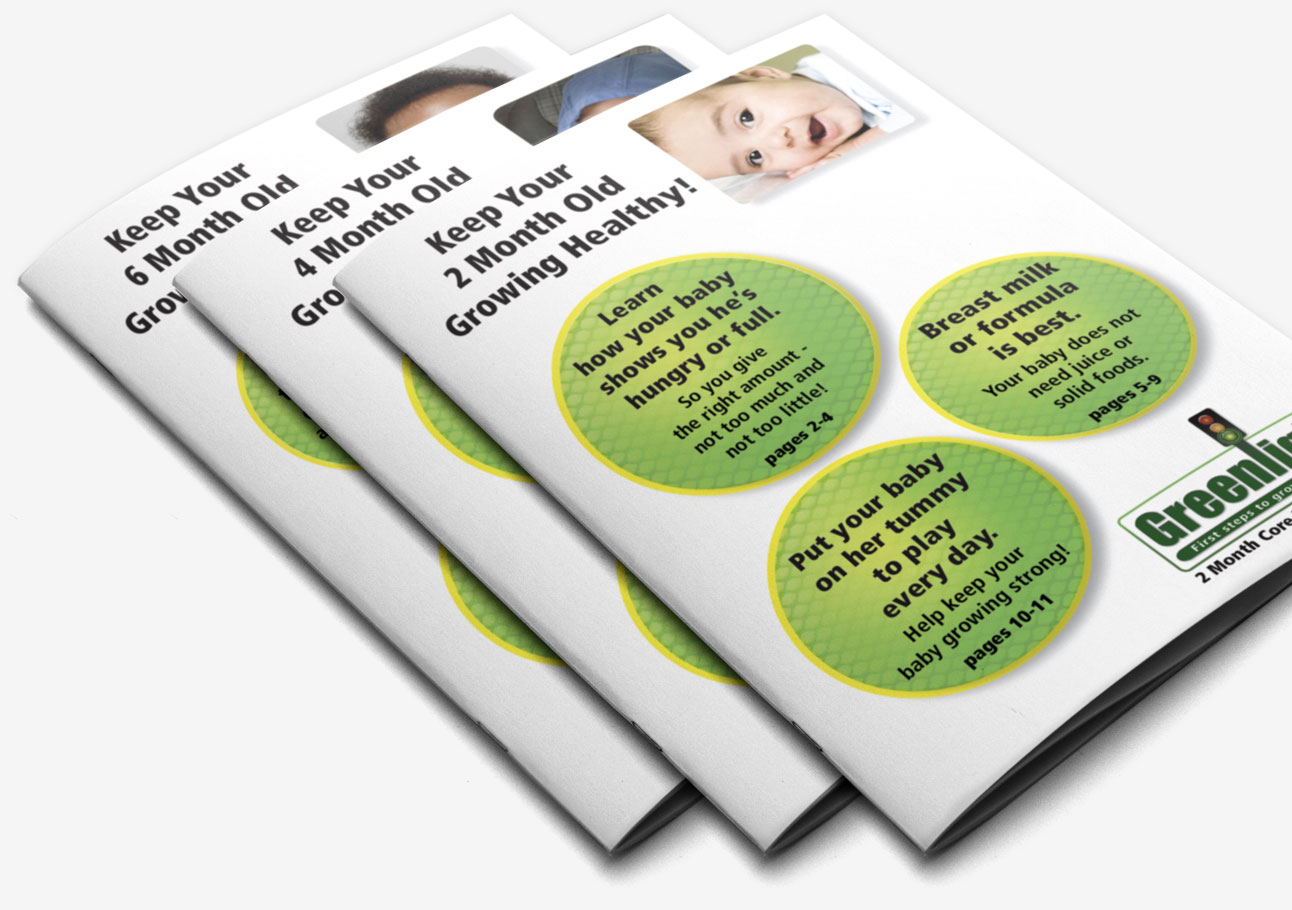
These age- and topic-specific booklets, written at a 6th grade ready level, are a key component of the Greenlight obesity prevention intervention and the Greenlight HELP Initiative. They help parents focus on the most important things they can do to keep their children healthy, active, and at a healthy weight.

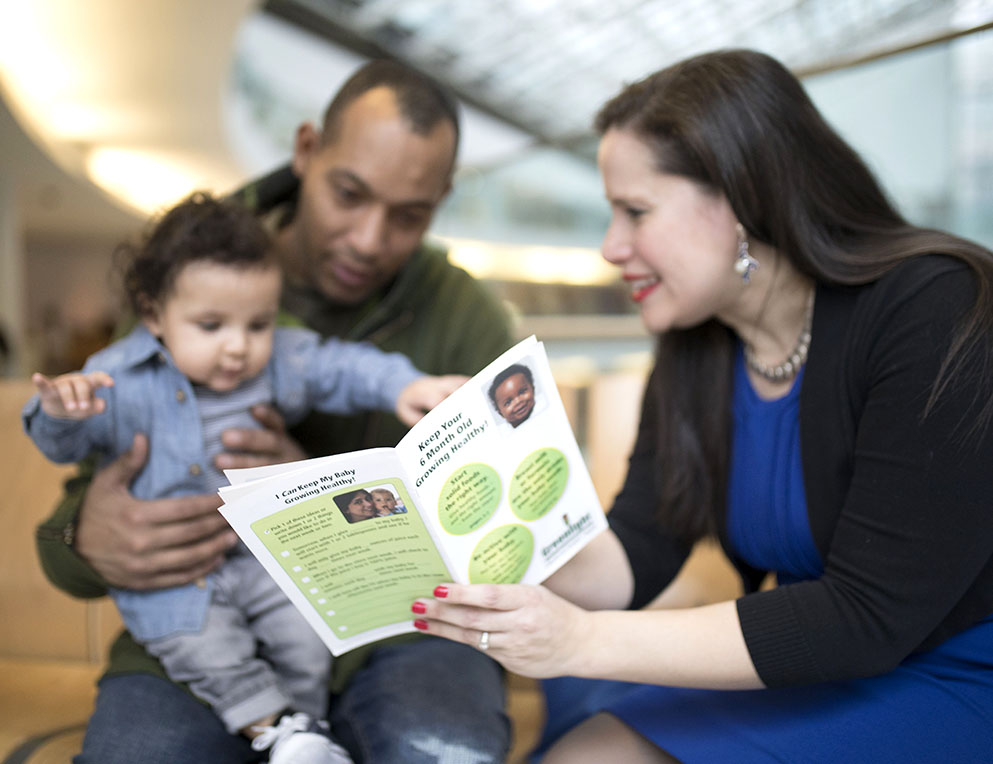
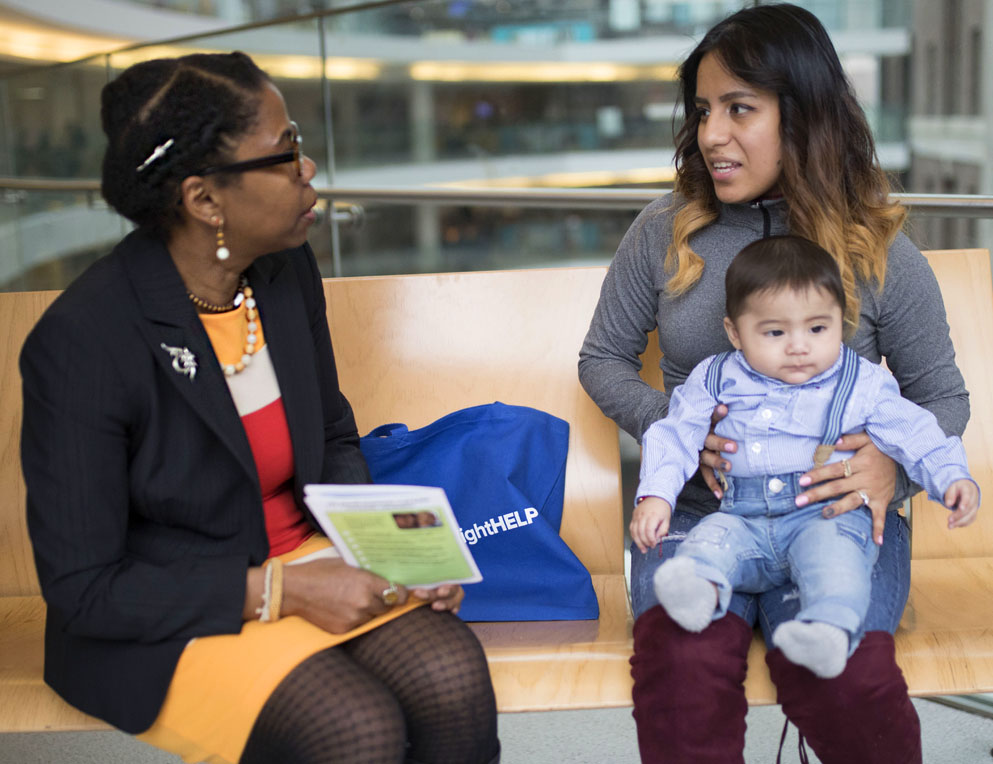
Since time with a child’s doctor is often limited, the HELP Educator introduces the booklets to parents in the waiting room, before the provider’s visit. The parents are later given the booklet, in English, Spanish or Chinese, to take home by their doctor. They can also access the booklets online.

BOOKLET DESIGN VIEW BOOKLETS

Greenlight HELP Activity

As in all HELP Project initiatives, the new Greenlight HELP Activity is designed as a waiting room intervention and uses a flexible, “layered” approach. Each section provides useful information even if the parent is unable to complete the entire activity. This flexibility is well suited to the unpredictable length of time a family spends waiting to see their doctor. Parents can also access the Greenlight HELP materials online.

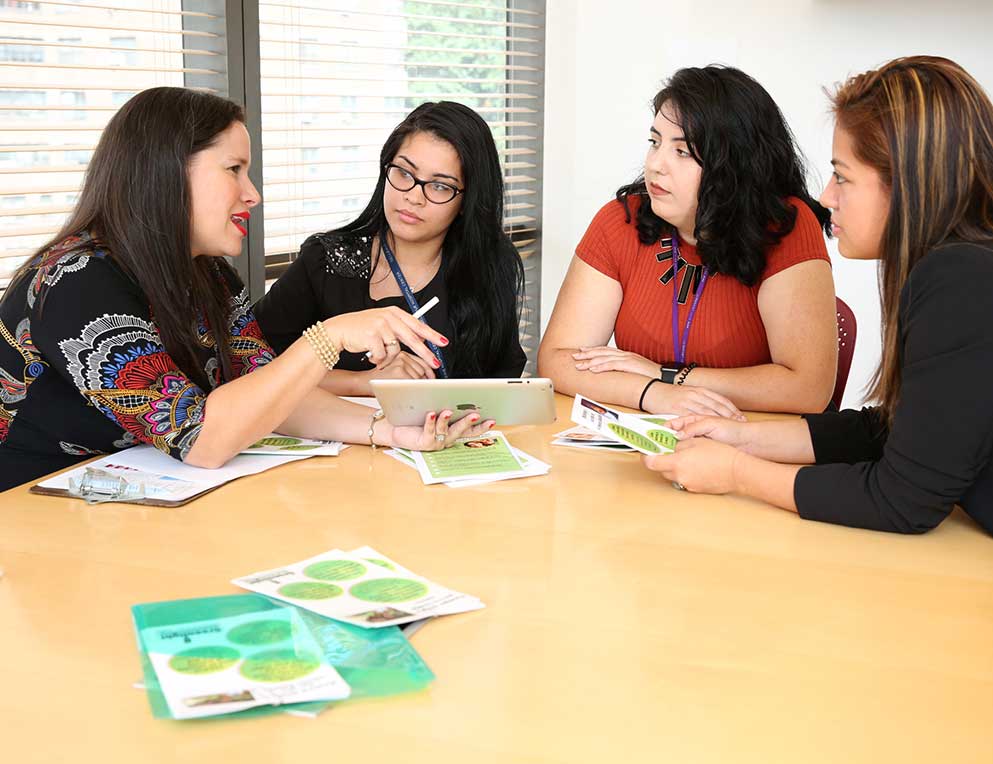
HELP Educators, both staff and specially trained volunteers, use an interactive, parent directed approach to foster collaborative learning—shaped by the specific needs of each family.

A personal volunteer tracking and reporting component enhances the HELP Educator’s productivity, quality of experience and supervision. Valuable metrics are also collected to inform activity improvements.

START ACTIVITY

Doctor Visit Planner

In the Greenlight HELP Activity, we introduce parents to a process approach that includes brainstorming and prioritizing issues that are important to them. One goal is to help parents get the most out of their next doctor visit by preparing their questions in advance.

With the Doctor Visit Planner, parents can download the planner PDF and record their own questions, using the Greenlight HELP Activity for guidance. When their child’s health provider asks if they have any questions, they can refer to their own list!

START LIST

How It Works: 7 Steps of Greenlight HELP

Greenlight HELP focuses parents on the key things they can do to keep their child growing healthy and strong. Greenlight strategies and tools also help providers communicate more effectively.

1 Parents are introduced to the program by the HELP Educator

Parents are:

  • given a brief description of the activity and Greenlight Program and asked if they would like to participate while they wait to see the doctor.
  • introduced to the goal of activity—to help keep their child healthy, active and at a healthy weight.
  • shown the age-specific Greenlight booklet.
2 Parents choose the topic or message group they want to learn about

The HELP Educator:

  • encourages an interactive and parent directed approach from the very beginning.
  • reads aloud each of the three topics or message groups in the circles on the cover of the booklet.
  • asks parents which message group they would be most interesting in learning more about.
3 The importance of asking questions is explored

Parents and HELP Educator discuss:

  • the parents’ experience and comfort level asking questions of their doctor.
  • how the parents currently remembers their questions.
  • different strategies for organizing, prioritizing and remembering questions.
  • the questions parents want to ask their doctor at today’s visit.
  • if parents would like to write down these questions for the doctor—on their phone or on special cards.
  • the Doctor Visit Planner tool is described, as a way of organizing future questions.
4 The HELP Educator shows parents the Greenlight HELP website

Parents are:

  • shown how to access the Greenlight HELP "For Parents" website.
  • introduced to the three ways a parent can get information on the website—from the Greenlight booklets, the Greenlight HELP Activity and the Doctor Visit Planner.
5 HELP Educator and parents work together on the Greenlight HELP Activity

Parents are:

  • shown how to access the activity.
  • asked to choose the questions they want and answers are read aloud as they are picked.
  • shown relevant content in the Greenlight Booklet, whenever possible.
  • encouraged to add specific questions they need to know more about to the list they are bringing to the doctor. Specific questions and answers can also be texted or emailed to share with others.
  • shown how to use the Doctor Visit Planner to help them get the most out of their next doctor visit by preparing their questions in advance.
  • asked to pick another message group they want to review, if time permits.
6 The HELP Educator completes the activity and asks for feedback

The HELP Educator:

  • thanks parents for their time.
  • asks if parents are interested in a specific referral (if not already discussed), such as English language or adult literacy classes, nutrition, social service, developmental or medical services.
  • explains that feedback helps us make the program better—“What did you think of activity? What did you like best? Any ideas for improving the activity?”. This can also help parents conceptualize their experience.
  • encourages parents to follow-up with the doctor about any outstanding questions they still have and to visit the website.
7 Staff checklist, referrals and supervision

The HELP Educator:

  • fills out a checklist that captures important aspects of the session, including issues to discuss during HELP supervision.
  • follows-up with pediatrician about requested referrals (e.g. breast feeding counseling).
  • discusses issues or concerns in supervision at end of HELP session.
EDUCATOR LOG IN
© 2026 Greenlight HELP Initiative
Contact Us / Terms & Conditions / Privacy Policy